

Website Requirements Document: A Guide and Checklist for Your Project
Planning to build or redesign your website? Before you contact an agency or a developer, you need a written document: the website requirements document (also called a website brief or specification). This guide explains how to write it, step by step, with a ready-to-use checklist.
A website requirements document is the reference document that describes your goals, budget, deadlines, expected features, brand guidelines, stakeholders and project constraints. It serves as a roadmap for everyone — the client, the internal team and the service providers — so that everyone shares the same vision. A clear requirements document improves communication between stakeholders and limits misunderstandings.
This article is for managers of very small businesses, SMEs and companies in Morocco and internationally who are preparing a website creation or redesign project. At UNZIPTECH, based in Fès, the requirements document is the starting point of the needs listening and analysis phase of our web projects.
1. Your company's context and the origin of the web project
The requirements document should present the project context so the provider quickly understands your situation. Start with a factual portrait of your company:
- Company name and legal form
- Industry and market positioning
- Team size and location
- Company size (very small business, SME, large company)
Then explain where the project comes from: launch of a new offer, brand repositioning, international expansion, digitalization needs, an outdated website, etc.
Finally, describe your current digital setup: existing website, social media, tools already in place (ERP, CRM, mobile app, online store). This information helps the provider understand the starting point and tailor its recommendations. Keep it concise.
2. Clearly define the website's objectives
Objectives are the compass of your web project. They structure the whole requirements document and guide every choice, from design to features. Measurable objectives let you assess the website's success after launch.
Distinguish your main objectives:
- Awareness: a showcase website to strengthen the company's credibility
- Lead generation: forms, quote requests, downloads
- Online sales: e-commerce checkout
- Customer support: FAQ, customer area, documentation
- Recruitment: careers page, online applications
Use the SMART method to phrase each objective: a quantified, time-bound objective is more useful than "getting more contacts". Link each objective to a concrete feature: more requests means simple forms and visible calls to action. Also specify the success and acceptance criteria for each objective.
3. Project stakeholders and internal organization
Identifying stakeholders from the start avoids unnecessary back-and-forth and repeated questions between participants.
List the people involved on the client side:
| Role | Responsibility in the project |
|---|---|
| Executive / sponsor | Strategic approval, budget decisions |
| Marketing manager | Content, SEO, business objectives |
| Finance department | Budget tracking, payment schedule |
| IT department | Technical constraints, integrations |
| Internal project manager | Single point of contact with the provider |
Appoint an internal project manager who centralizes approvals, delivers content and makes the final calls. Specify the expected communication methods: regular meetings, approvals by email, collaborative tools.
4. Scope of the creation or redesign project
The scope defines what is in and out of the project. Without a clear definition, the project may drift along the way.
Specify the following:
- Project type: built from scratch or redesign of an existing website
- Website type: showcase, blog, e-commerce, marketplace, client extranet, booking portal
- Integrations: connection to an ERP, a CRM, business software or a SaaS solution
- Geographic reach: Morocco, international
- Languages: multilingual sites affect the site structure, content and design
Also note what is explicitly out of scope, for example: "no mobile app in this phase". This rigor protects the budget and avoids misaligned expectations.
5. Audiences, user journeys and visitor needs
Understanding your audiences is essential to guide the website's design, usability and content.
Describe a few target audience segments, for example:
- Individuals looking for an online service
- Businesses looking for a provider
- Job seekers visiting the careers page
Create at least one detailed persona: typical profile, needs, obstacles, context of use (mobile, desktop, slow connection). If many of your visitors browse on a smartphone, a responsive design and simple forms are a must from the start.

Then describe two or three concrete usage scenarios: "a customer wants to book a service online from their phone" or "an HR manager wants to download a PDF brochure from the services page". These examples help the provider picture real user behavior.
6. Content, site structure and architecture of the future website
The site structure and content are the backbone of the website. Without a clear structure, the provider cannot properly estimate the workload.
Draw up a first page-by-page site structure:
- Home
- About (history, team, values)
- Services (sub-pages per offer)
- Products (product pages, filters)
- Blog (articles, categories)
- FAQ
- Contact (form, map, contact details)
- Customer area (login, documents, history)
Specify who produces which content — texts, photos, videos, product pages, articles: your team or the provider. Give approximate volumes and, for a redesign, the content to carry over from the old website.
Content that isn't delivered on time often delays web projects: plan for it as soon as you write the requirements document.
7. Brand guidelines, design and user experience
The requirements document should specify the graphic and usability requirements so you get a website consistent with your brand image.
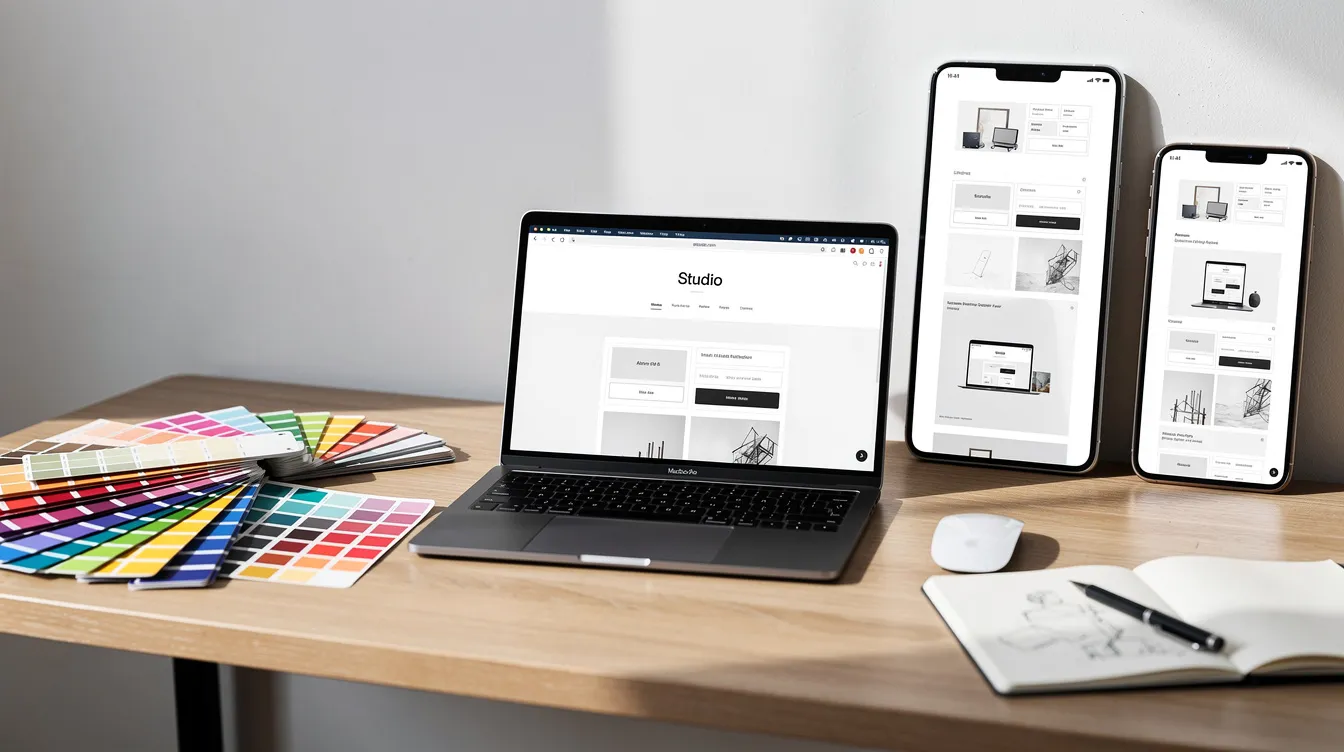
State whether brand guidelines already exist:
- Logo: available formats (vector, PNG, variants)
- Color palette: color codes
- Typography: primary and secondary fonts
- Iconography and visual tone: photo style, illustrations
List a few reference websites you like, explaining what appeals to you: simplicity, animations, typography, layout. Specify your UX expectations: simple navigation, internal search, mobile display (responsive design), fast loading.
This section should provide clear visual guidelines while leaving the provider free to propose mockups.
8. Key website features: the functional requirements
A website's look and its features are two separate topics. The requirements document should describe the features on the visitor side (front office) and the administration side (back office).
Front-office features (visitors):
- Forms (contact, quote, sign-up)
- Checkout and online payment
- Internal search engine and filters
- Secure customer area
- Online booking
- Blog with categories and tags
- Multilingual (for example French, Arabic, English)
- Chatbot or instant messaging
Back-office features (administration):
- Content management (pages, articles, images)
- Order or booking management
- Reports and statistics
- Role-based access rights (administrator, editor, contributor)
Rank each feature on three levels: mandatory, important or optional. This prioritization helps control the budget and focus the effort on what matters. Stay at the functional level: detailed technical choices are the provider's job.
9. Technical constraints, SEO and security
This part is aimed at business profiles as much as IT teams.
Technical constraints to specify:
- Required hosting or preferred location
- Existing domain name or one to acquire
- Required integrations: ERP, CRM, third-party APIs, internal tools
- Technology preference or requirement (CMS, framework)
SEO points to include:
Plan for SEO best practices: readable URLs, mobile optimization, title tags and meta descriptions, loading performance. For a redesign, plan 301 redirects to keep the old website's rankings. If you target a specific geographic area, think about local SEO.
Security:
- HTTPS
- Personal data management
- Regular backups
- Role-based back-office access rights
To go further, read our article on web security best practices.
10. Budget, schedule and project milestones
The budget and deadlines should be clearly stated in the document. A precise description of your needs helps the provider estimate the project accurately.
Budget:
State a realistic budget envelope and specify whether it includes:
- Design and development
- Hosting
- Content production (texts, photos, videos)
- Training for internal teams
- Post-launch maintenance
Indicative schedule:
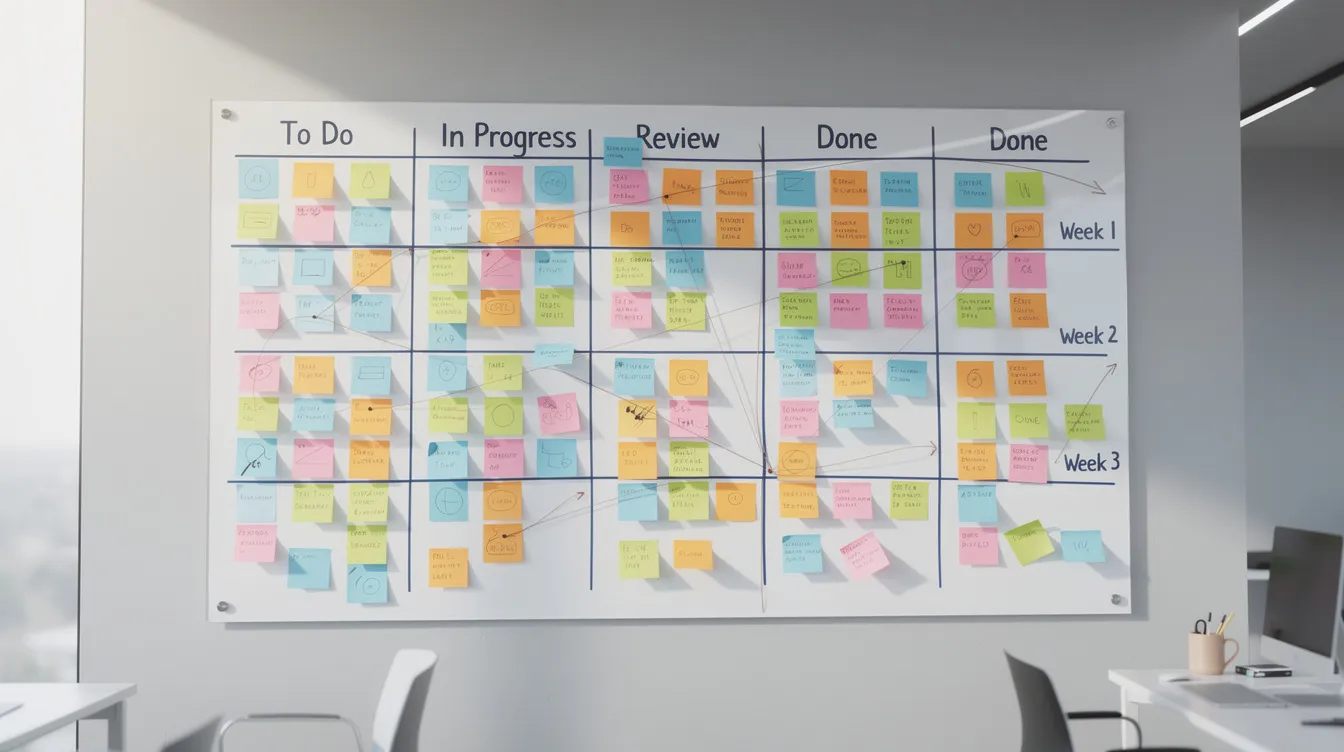
A backward schedule helps you meet deadlines. Structure it in phases:
| Phase | Content |
|---|---|
| Scoping | Approval of the requirements document, kick-off meeting |
| Design | Mockups, site structure, design approval |
| Development | Integration, features, internal testing |
| Testing and acceptance | User testing, fixes, approval |
| Go-live | Deployment, training, follow-up |
Set dated milestones for key deliverables. Agile work with regular check-ins lets you adjust course without waiting for the end of the project.
11. Maintenance, updates and collaboration with your provider
The requirements document doesn't stop at launch: it remains the reference document throughout the project, including after go-live.
Maintenance to plan for:
- Technical fixes and security updates
- Support when something is blocked
- Small updates (new pages, new features)
- Frequency of interventions (regular or on demand)
Training and documentation:
Specify your training needs: website administration, content editing, connected tools.
Collaboration model:
At UNZIPTECH, the process follows four phases: needs listening and analysis, design and approval of mockups, agile development with regular check-ins, then delivery, training and follow-up. Each delivery comes with team training and user documentation. Discover our web development offer. Payment is generally split into several phases, and maintenance and support contracts keep the website running after launch. For the creation steps themselves, also read our guide to business website creation.
12. Website requirements template: the final checklist
Here is a summary in the form of a website requirements document template, to follow section by section:
- Context and origin of the project — company presentation, project background, current digital setup
- Website objectives — priority SMART objectives and success criteria
- Stakeholders — role table, appointed project manager, approval methods
- Scope — website type, languages, integrations, explicit exclusions
- Audiences and user journeys — personas, usage scenarios, mobile context
- Content and site structure — page list, volumes, production responsibilities
- Brand guidelines and UX — visual identity, reference websites, design expectations
- Features — front office and back office, mandatory / important / optional
- Technical constraints, SEO and security — hosting, integrations, SEO, security
- Budget and schedule — budget envelope, backward schedule, milestones
- Maintenance and updates — support, training, documentation
For each section, write a few paragraphs or concrete points. The goal: a document complete enough to guide the build, and concise enough for everyone to read.

Website requirements document FAQ
What is a website requirements document?
It is the reference document that describes the context, objectives, scope, audiences, content, design, features, technical constraints, budget and schedule of your website project.
Who should write the requirements document?
The company commissioning the website, ideally with an internal project manager who gathers the needs of the different stakeholders. A provider can then help you complete or validate it.
Is a requirements document useful for a redesign?
Yes. For a redesign, it also describes the existing setup, the content to carry over and the SEO points to preserve, such as redirects from the old website.
How do I get a quote for my project?
Send your requirements document to UNZIPTECH: after analyzing your needs, you receive a free personalized quote.
Writing a requirements document is time well spent before launching your web project: it clarifies your expectations and gives your provider the information needed to deliver a suitable website.
Contact UNZIPTECH for support in writing or validating your requirements document and to receive a free personalized quote after analysis of your needs.