Website Redesign: How to Succeed Without Losing Your SEO
A website redesign means taking an existing website and producing a modernized version that works better and is more closely aligned with the company's goals. It is not just a change of colors or fonts: it is a strategic project that affects structure, content, technology, user experience and search engine optimization.
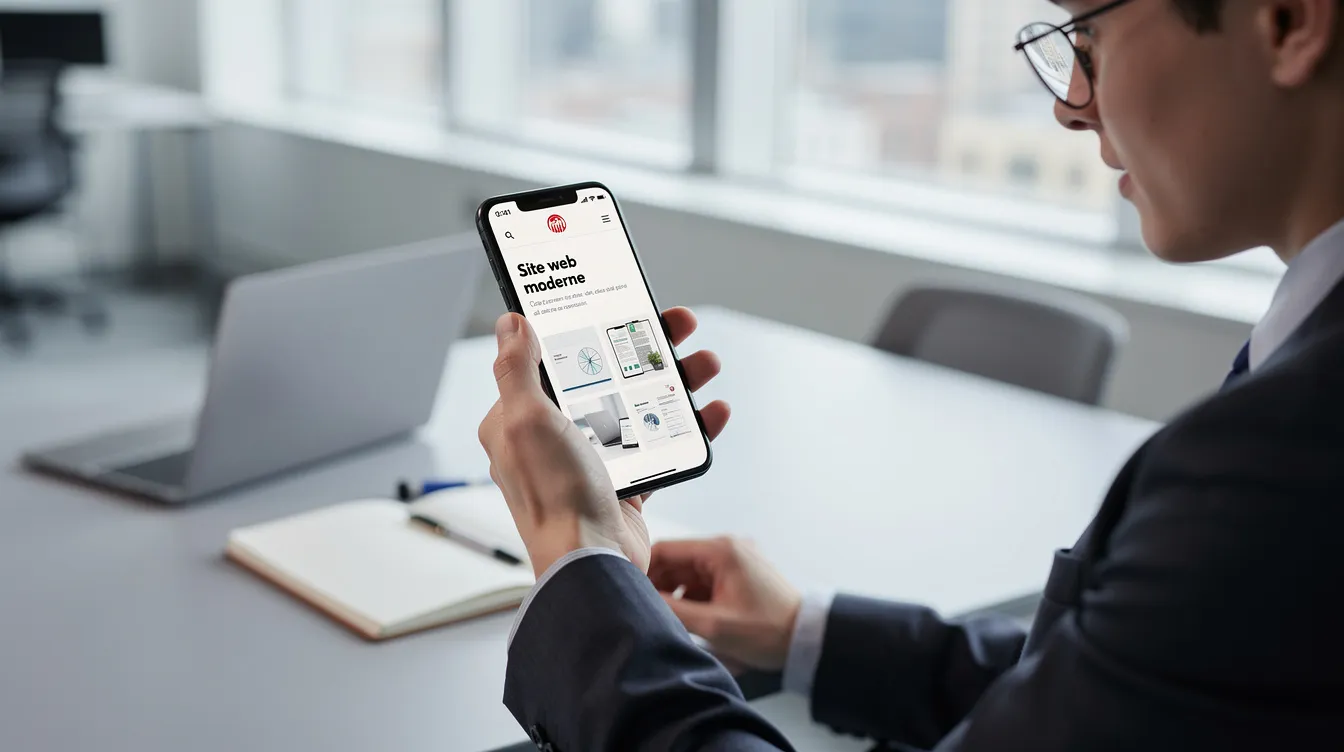
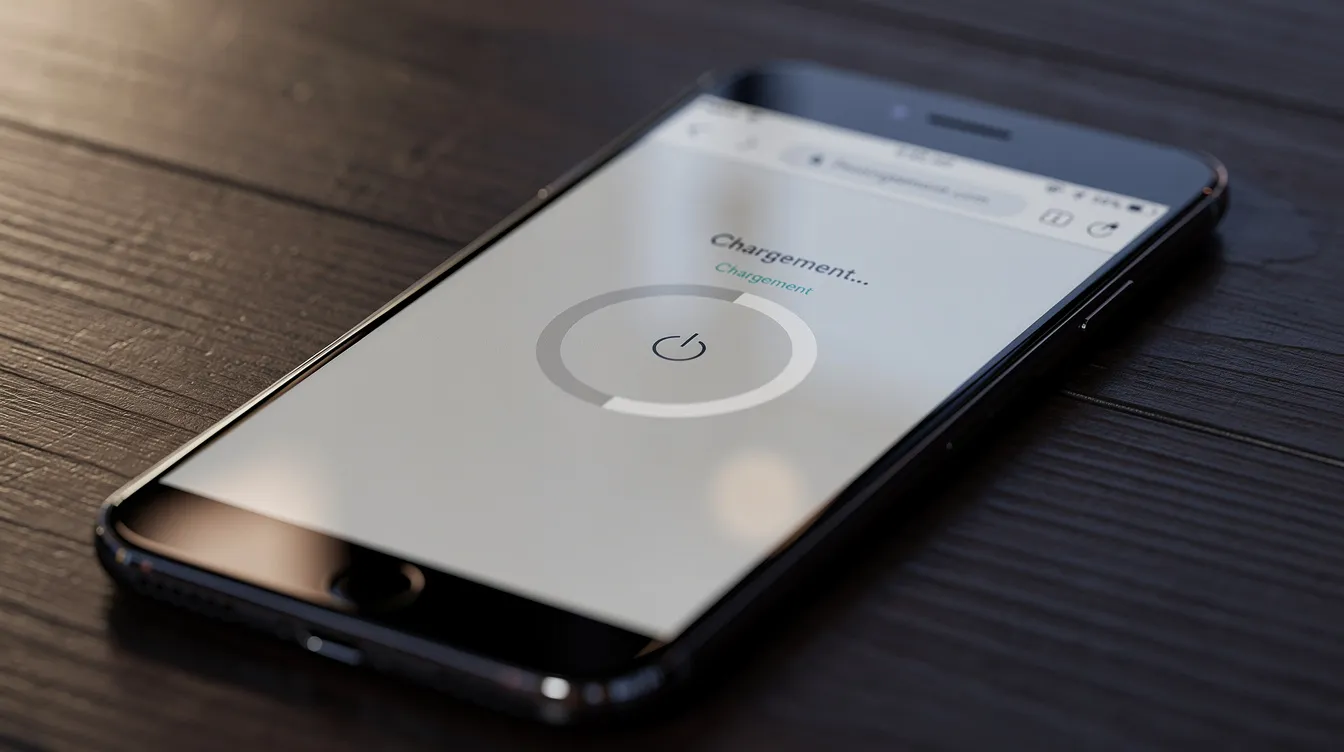
For a small or mid-sized business, an ageing website causes concrete problems: a prospect landing on a slow, dated site may leave without getting in touch, a job candidate may doubt the company's solidity, and a partner may hesitate to start working with you. A redesign therefore means rethinking the conversion path, integrating business tools where needed (CRM, ERP, customer portal), securing the SEO migration and designing a site built for mobile use.
UNZIPTECH SARL, based in Fès, supports small businesses, SMEs and large companies in Morocco and internationally with this kind of project. A well-run website redesign typically aims for:
- a redesigned conversion path that generates better-qualified enquiries;
- a structure and content designed for organic search;
- a site designed for mobile first;
- smooth integration with your business tools (CRM, ERP, SaaS solution).
What is a website redesign?
A website redesign produces a new version of an existing site while building on what already works: organic traffic, high-value content and brand image. Design, structure and technology are modernized; everything else is kept, improved or reorganized.
There are two levels of redesign:
- Light redesign: you keep the CMS, the URL structure and most of the content, and improve the design, usability and conversion path. The SEO risk remains limited.
- Deep redesign: a change of technology, CMS, URL structure or hosting. It opens up more possibilities but requires a rigorous redirect plan.
The stakes depend on the type of site. A showcase website needs credibility and local visibility. An e-commerce website requires performance, secure payment and a smooth checkout. A business web application or customer extranet needs robustness and integration with custom software.
A redesign is not building a new site from scratch: you preserve the pages that bring traffic, the forms that convert and the content that positions your company. Common needs include:
- adding an online booking system;
- setting up secure online payment for a store;
- creating a customer portal connected to a CRM or ERP;
- launching an Arabic or English version of the site to reach new markets.
Signs it's time to redesign your website
How do you know whether your site needs a redesign? These are the signals business leaders notice most often.
A dated design that hurts your brand. Heavy sliders, excessive animations or fonts that are hard to read on mobile give your customers an outdated impression and can undermine the trust you inspire.
Declining results. Your traffic is flat or falling, quote requests are dropping, and visitors leave your main pages without taking action, even though your offer hasn't changed. These signals often point to a website problem.
Outdated technology. A CMS that is no longer updated, incompatible extensions or recurring security issues slow your business down and expose your company to risk.
A gap with your strategy. You have launched new services, opened an online sales channel or started targeting international markets, but your site reflects none of it.
A poor user experience. Confusing navigation, overly long forms, no Arabic or English version when your market expects one, no internal search on a large catalog: these problems cost you leads.
When a redesign is not the right solution
A redesign is not always the answer. Choosing between a redesign and an update depends on the state of the site and your goals.
A localized problem. If only one page is the issue, or if you need to add a simple feature (contact form, service page), a targeted optimization is a better fit and won't disrupt your SEO.
An effective site with an ageing design. If your site ranks well and converts, a gradual evolution (visual refresh, usability improvements) is better than a full redesign that could break what works.
An acquisition problem rather than a website problem. If your site gets few visits because there is no marketing strategy or content, the priority may be to invest in acquisition before rebuilding the site.
The most reliable advice: start with a technical, SEO and business audit. Without a diagnosis, a poorly scoped redesign can cost you rankings you have already earned.
The risks of an ageing website for your growth
A website that doesn't evolve ends up holding the company back on several fronts:
- Credibility. A site without HTTPS or with content that hasn't changed in a long time can make a prospect doubt how serious you are.
- Mobile visitors. A slow or non-responsive site drives away visitors browsing on smartphones.
- Recruitment. Candidates check your website before applying; an outdated site suggests a company that is standing still.
- Online sales. A complex checkout, little reassurance, unclear fees and delivery times: every point of friction reduces orders.
- Technical debt. Outdated extensions, recurring bugs and security flaws make maintaining an old site increasingly burdensome.
Beyond a certain point, a well-scoped redesign becomes more relevant than a series of one-off fixes.
The preliminary audit: the foundation of any redesign project
An audit is essential before any redesign: it is the only way to base your decisions on data rather than impressions. It identifies the site's strengths and weaknesses and helps you prioritize the work. To go further, read our guide to the IT audit for SMEs.
The areas to cover:
- Technical: loading speed, mobile compatibility, security (HTTPS, CMS versions), backups, hosting quality.
- SEO: URL inventory, high-traffic pages, rankings on target keywords, inbound links, tag structure (title, H1, H2, meta descriptions).
- UX and conversion: user journey, forms, menus, calls to action, message clarity, multilingual version.
- Content: relevance, freshness, writing quality, duplicates, orphan pages.
The audit should rely on your existing audience analytics data: which pages bring traffic, which sources bring leads, where visitors drop off. It should also include a business perspective: where do your customers come from today, and which features do your teams and customers actually use?
A good audit helps you decide whether the redesign should be technical, visual, SEO-focused, functional or a mix of these. At UnzipTech, every project starts with listening to and analyzing your needs, before any proposal.
Set clear, measurable goals
Before talking about design or technology, you need to answer one question: what results should this website deliver for your business? Set precise, measurable goals, for example:
- increase the number of quote requests received through the site;
- allow booking or ordering directly online;
- reduce repetitive support requests with a customer portal including an FAQ and tracking;
- improve organic visibility on your industry keywords.
These goals guide the site architecture, the content to produce, the features to develop and the indicators to track after launch.
Involve your sales, marketing and customer service teams: they know the questions prospects ask and the needs the current site doesn't cover. A redesign that ignores the field produces a site that looks good but doesn't perform.
Requirements document: scoping your redesign project
A clear requirements document is the backbone of the project. It specifies what you want, what is included, what isn't, and the conditions under which the project will be considered a success. Our article on the website requirements document explains the approach in detail.
Sections to include:
- Context and goals: why this redesign, what results you expect.
- Scope: showcase site, e-commerce, customer portal, extranet, number of languages.
- Target audiences: user profiles, target markets.
- Desired site structure: page types, menu structure.
- Features: search, filters, blog, booking, online payment, forms.
- Existing content: what is kept, created or removed.
- Integrations: ERP, CRM, business tools, SaaS solutions.
- Constraints: schedule, budget, available internal resources.
Be careful: an overly rigid requirements document reduces the project's flexibility. Leave room for adjustments, especially on content and usability, and plan the content migration from the start, as it is often underestimated.
Rethinking site structure and user experience
Navigation should be rethought so that every page has a clear place and a precise purpose. Start by understanding your users: who are they, what are they looking for, and what path do they follow before contacting you?
Then map your existing content. For each page, decide whether to keep, merge, delete or enrich it. Pages that generate organic traffic and conversions come first.
For a showcase website, an effective structure often includes:
- a benefit-focused homepage with concrete value propositions;
- detailed service pages;
- pages by industry if your offer lends itself to it;
- an "About" page that presents the company;
- a "Contact" page with a short form and your contact details.
For an e-commerce website, the structure should cover categories and subcategories, filters, product pages, cart, customer account, FAQ, terms of sale and payment.
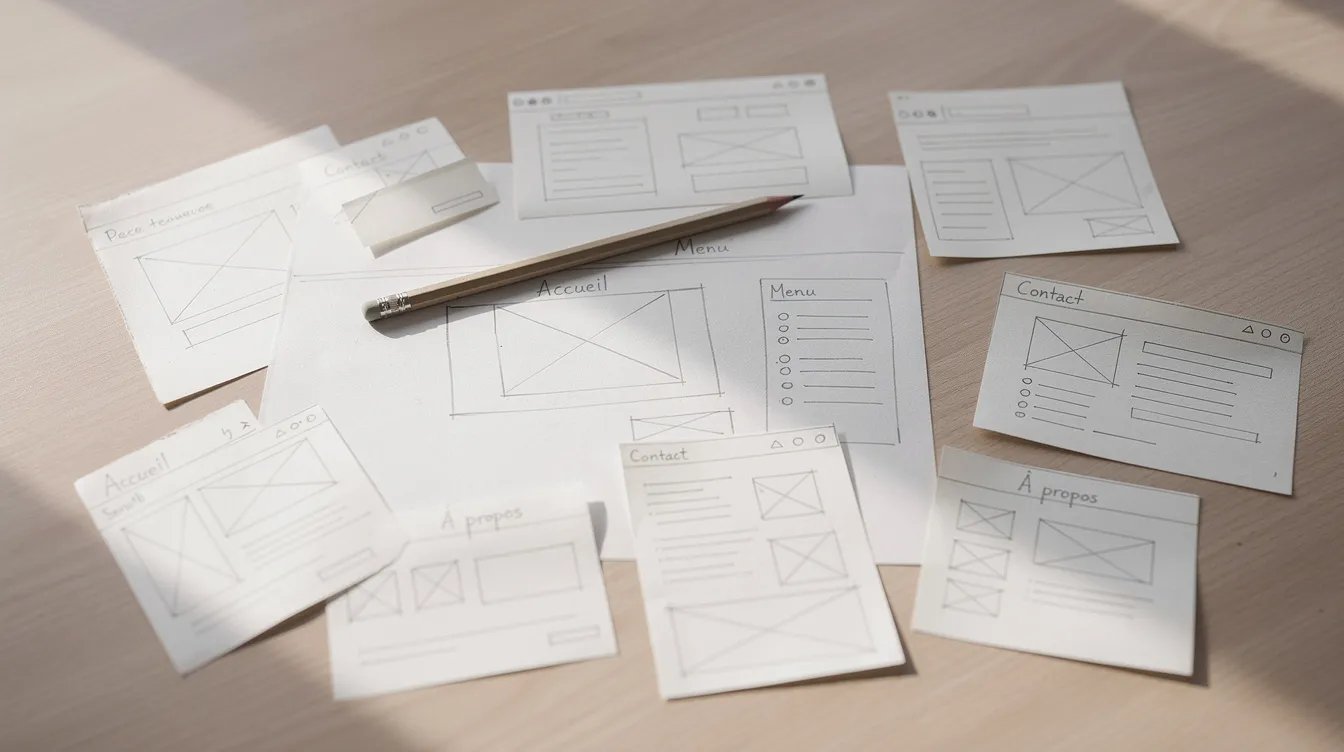
Create wireframes and test them with internal users, and if possible with customers, before development starts.
Web design, visual identity and mobile-first
Design in a redesign is not only about aesthetics: user experience must come before appearance. An attractive site that is hard to use converts poorly.
The design should be consistent with your company's identity (logo, colors, brand guidelines, tone) and suited to your target markets. A site aimed at several countries must remain readable in every language, with navigation designed accordingly.
Mobile-first means designing for smartphones first, then adapting to larger screens. In practice:
- clear, compact menus and visible action buttons (call, quote request);
- short forms on mobile;
- typography that is readable without zooming;
- images optimized in size and format, to avoid a site that looks good but loads slowly.
At UnzipTech, designing and validating mockups is a step in its own right, before any development.
Content, SEO and redirect plan: protecting your visibility
Your current content and SEO structure are often the main asset to preserve during a redesign. SEO should be monitored from the design phase through the weeks following launch.
Identify and preserve what works. List the pages that generate organic traffic and conversions. Keep them, update their content and maintain their SEO signals: titles, meta descriptions, H1/H2 structure, internal links.
301 redirect plan. For every old URL that changes, define its destination page on the new site. Never redirect everything to the homepage in bulk. A poorly planned migration can cause a significant loss of traffic.
Optimizing new pages. Choose keywords for each page, structure content with hierarchical headings and create logical internal links. Loading speed also matters for SEO and user experience.
Monitoring after launch. Track your rankings, error pages and the indexing of new URLs, and adjust redirects if needed.
The steps of a redesign project with UnzipTech
A redesign project with UnzipTech follows four phases, designed so that business leaders keep visibility at every stage.
Phase 1: listening to and analyzing your needs. An audit of the existing site, an understanding of your business and prioritized goals, leading to a clear project scope.
Phase 2: designing and validating mockups. Site structure, wireframes and responsive visual mockups, validated with you before any development.
Phase 3: agile development with regular check-ins. Web development, content integration, possible connections to custom software (ERP, CRM, SaaS solutions) and testing before launch.
Phase 4: delivery, training and follow-up. Launch with a redirect plan, training for your teams on managing the site, user documentation and, if you wish, a maintenance and support contract.
UnzipTech offers a free personalized quote after analyzing your needs, with payment usually split into several phases.
Technical aspects, performance and security
A redesigned site must rest on solid technical foundations:
- Performance: optimize image size, limit unnecessary scripts and enable caching.
- Responsive design: test the site on smartphones, tablets and computers, and in different browsers.
- Security: HTTPS across the whole site, regular CMS updates, automatic backups and user role management. For an e-commerce site or extranet, these points are critical.
- A usable back office: simple administration lets your teams publish news, product pages and content without relying on a developer for every change.
A sound technology choice, combined with regular maintenance, extends the life of a redesigned site.
After launch: monitoring and continuous optimization
A redesign is not a one-off project: it is the start of a digital momentum that needs to be maintained.
Indicators to track. Define them before launch: traffic by source, contact requests, online sales, use of customer portals.
Closer monitoring at launch. Check 404 errors, failing redirects and ranking changes on your priority keywords. Adjust usability based on user feedback.
Editorial plan. Set up a publishing calendar: articles, news, value-adding content. Every useful piece of content strengthens your visibility over time.
Maintenance and support. A maintenance contract covers updates, functional improvements and fixes, so your site keeps pace with your business.

Website redesign FAQ
What is the difference between a redesign and building a new website?
A redesign starts from an existing site and builds on what works (traffic, content, brand image), whereas building a new site starts from scratch.
Does a redesign hurt SEO?
Not if it is well prepared: a preliminary SEO audit, keeping high-performing pages, a 301 redirect plan and monitoring after launch greatly limit this risk.
Do you always need to rebuild the whole site?
No. If the problem is localized or the site remains effective, a targeted update or gradual evolution may be enough.
How does UnzipTech set the budget for a redesign?
UnzipTech offers a free personalized quote after analyzing your needs, with payment usually split into several phases.
What happens after delivery?
Your teams are trained to manage the site and receive user documentation. A maintenance and support contract can then take over.
Start your redesign project with UnzipTech
UnzipTech supports small businesses, SMEs and large companies in Morocco and internationally with the redesign of showcase websites, e-commerce sites and web applications: needs analysis, design, development, training and maintenance.
To get started, contact us for a free personalized quote after we analyze your needs, and discover our web development services.